
Your orders are shipped right to your doorstep
We aim to exceed expectations by providing exceptional customer support.
Your payments are secure with our private security network.
Battery Included: no
Brand Name: H96
Compatible Brand/Model: Sony
High-concerned chemical: None
Origin: Mainland China
Trigger Button Type: Hall-Linear
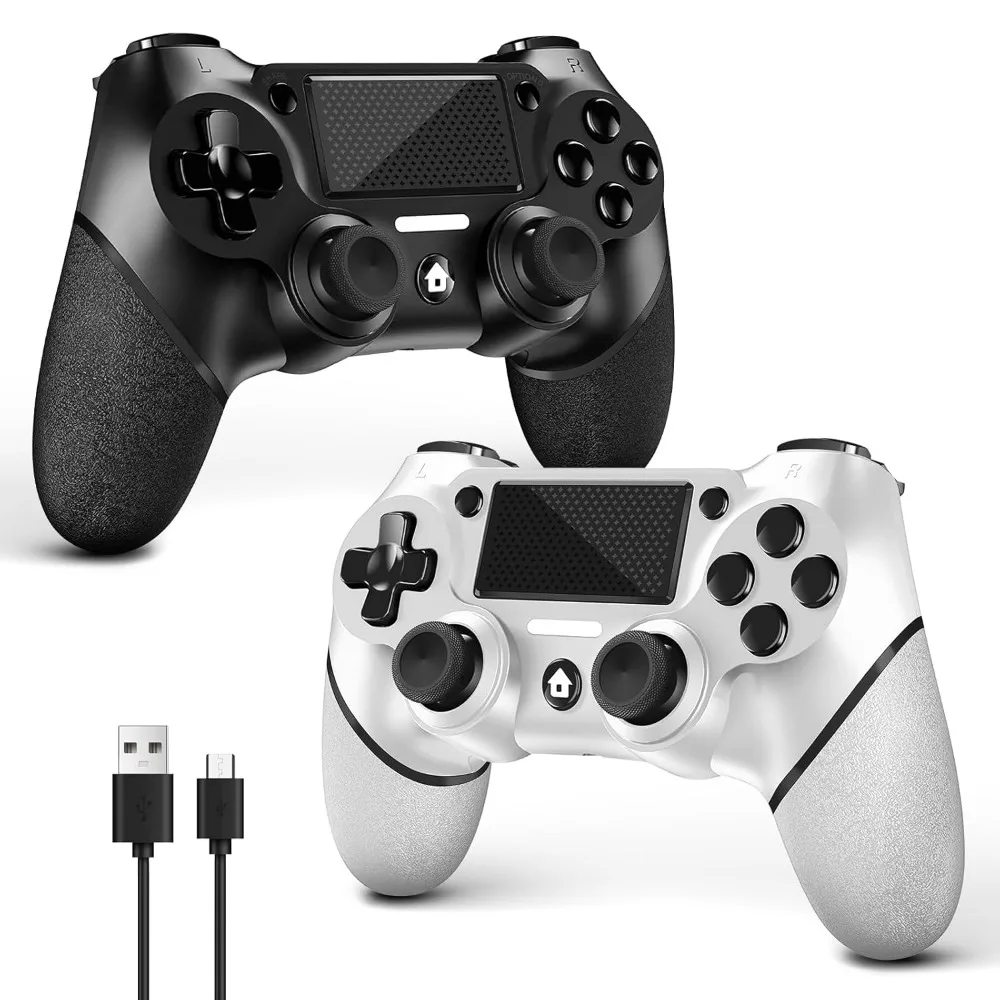
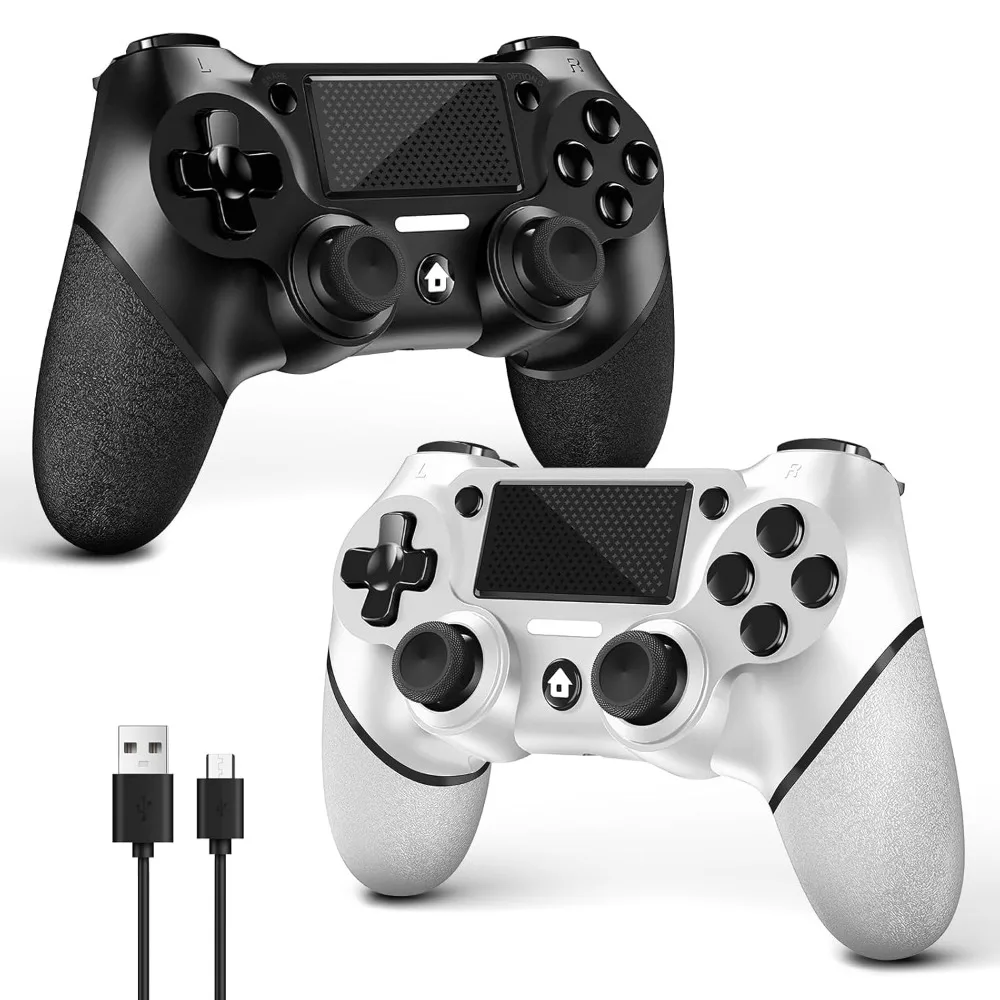
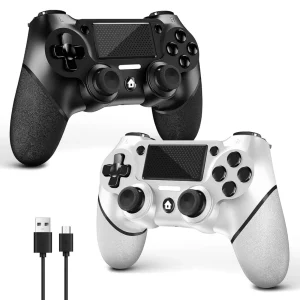
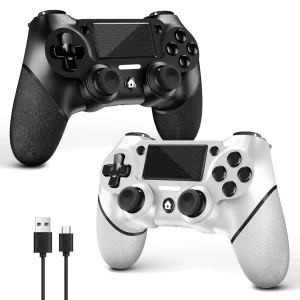
Dual Pack for PS4 Controller, Wireless Controller for PS4/Pro/Slim/PC, with Anti-Slip Grip on Both Sides and USB-C Cable (Black and White)
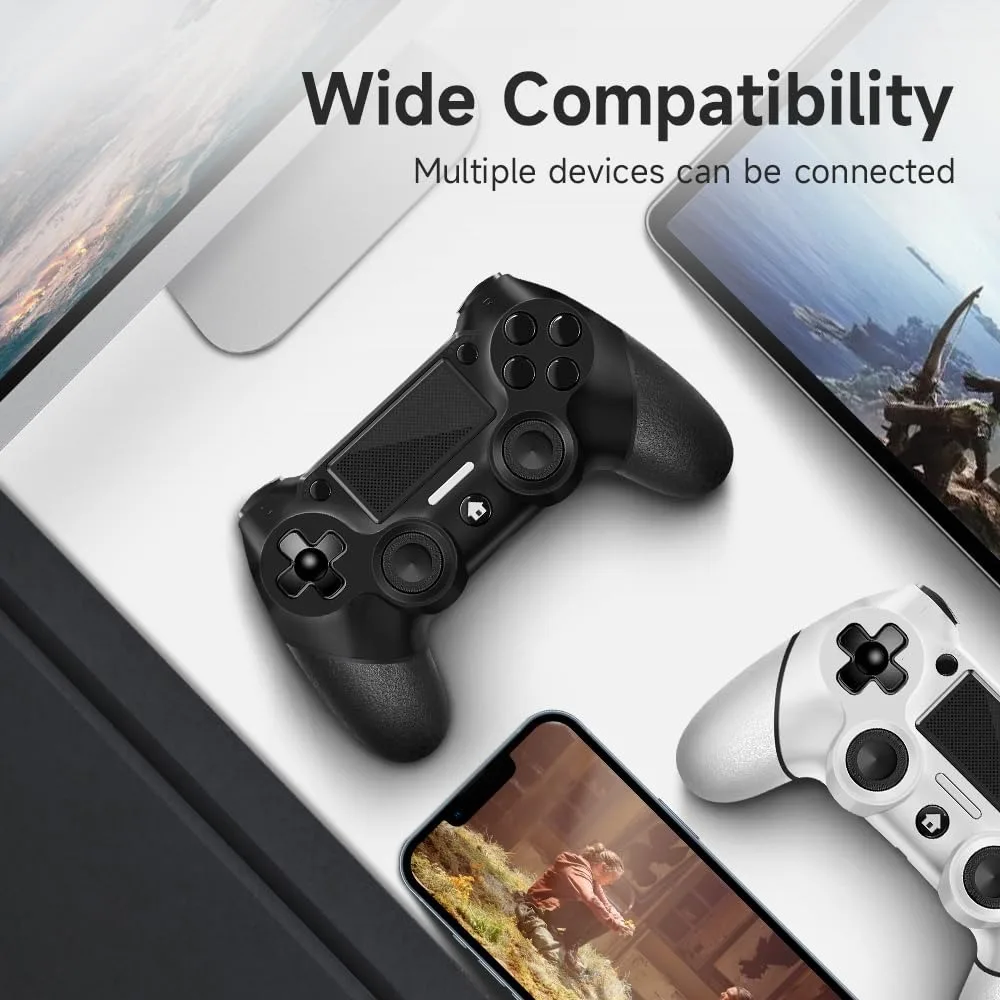
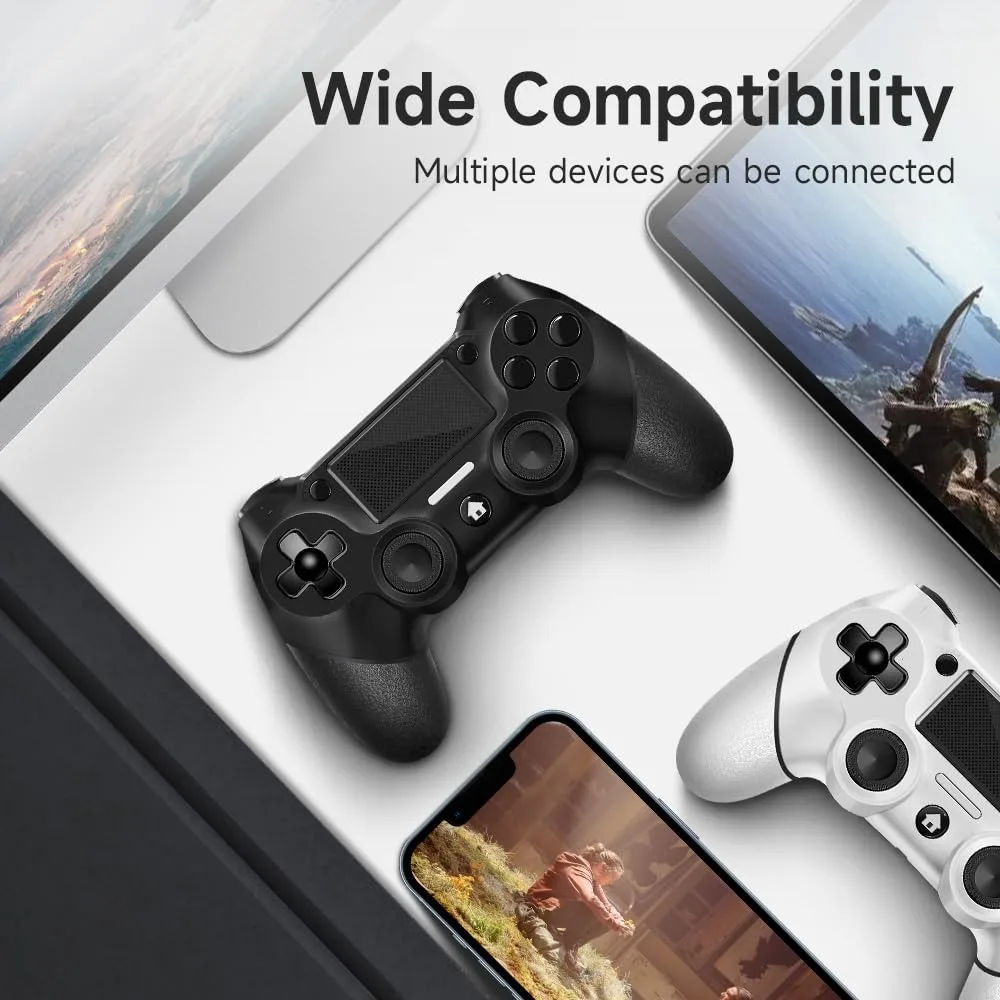
Compatible Devices: PC, Playstation 4 | Controller Type: Wireless Controller | Connectivity Technology: Wireless | Additional Features: Ergonomic, Headphone Jack, Vibration, Touchpad, Wireless | Hardware Platform: PC, PlayStation 4 | Power Source: Battery Powered | Compatible Video Game Console Models: Sony PlayStation 4
Color: Black and White | Item Weight: 0.72 Kilograms
Dual Controller Pack: One box contains two controllers, which is more economical than purchasing separately. This offers two distinctive controllers, enhancing your gaming sessions with friends or family.
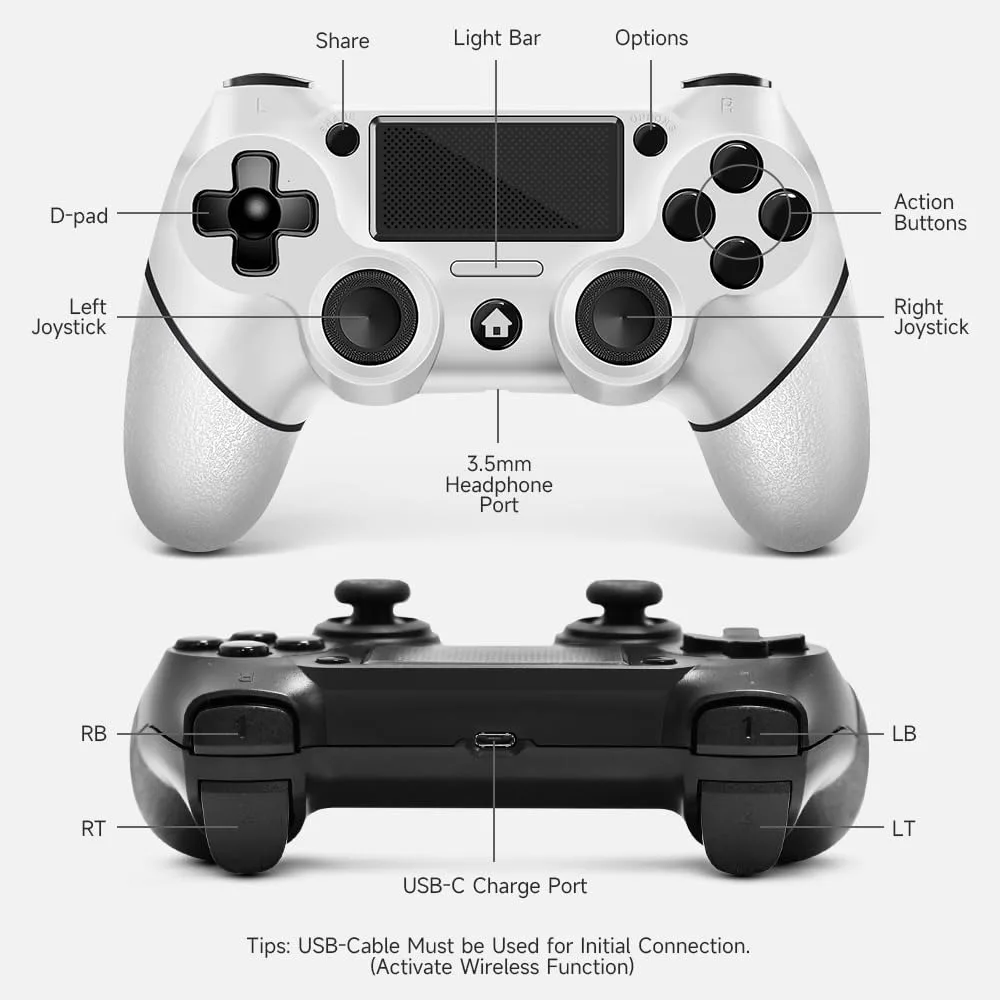
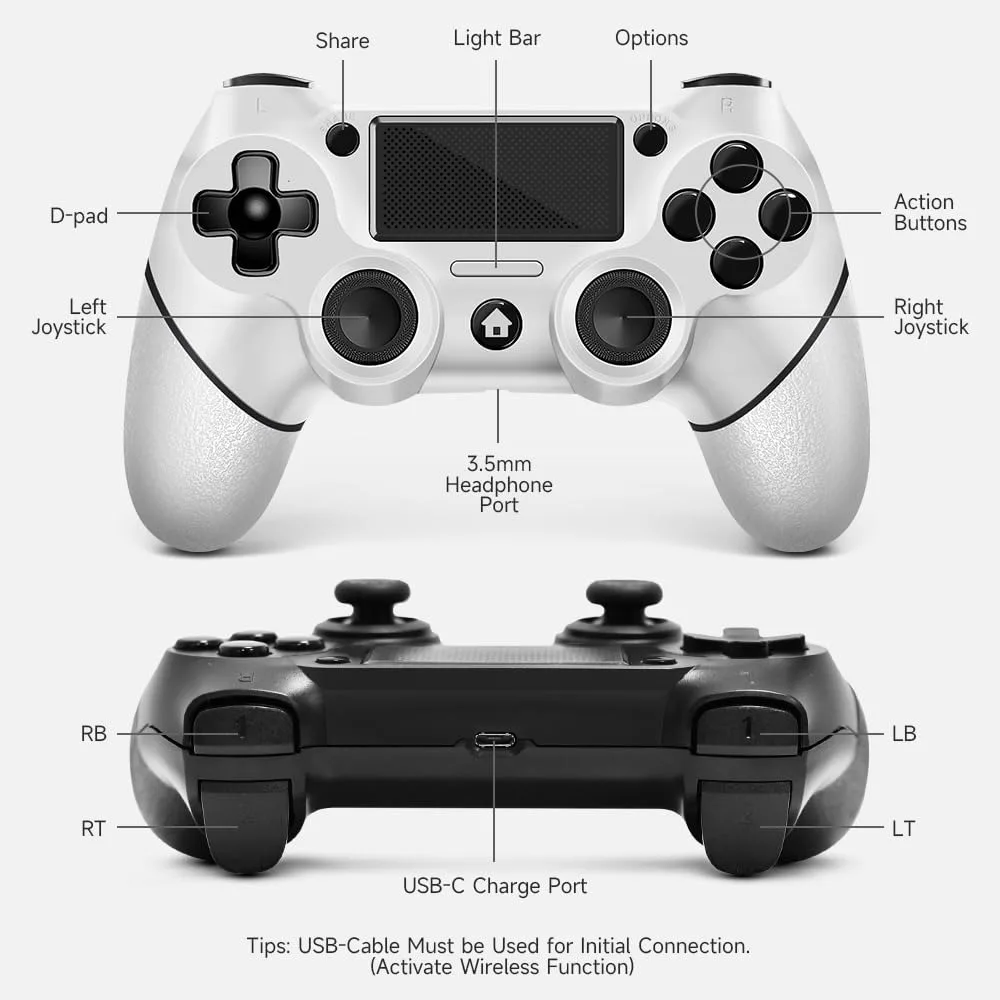
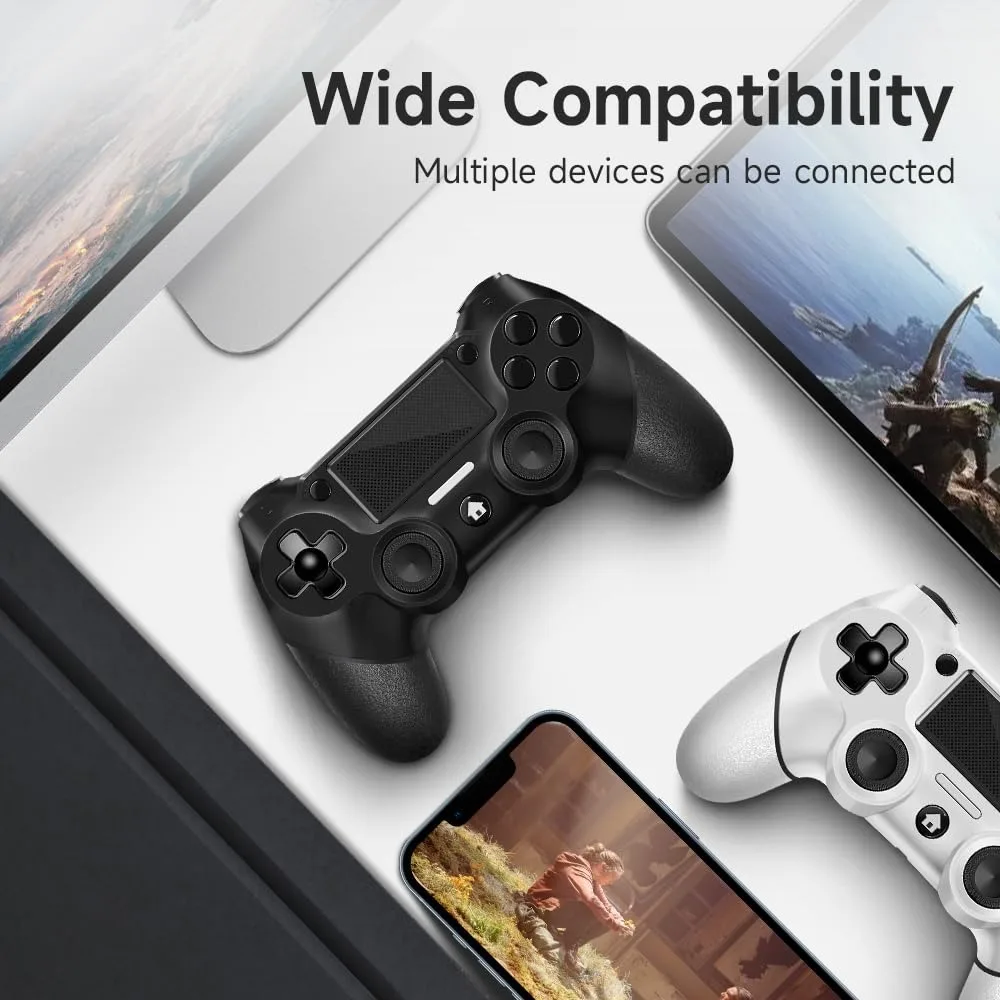
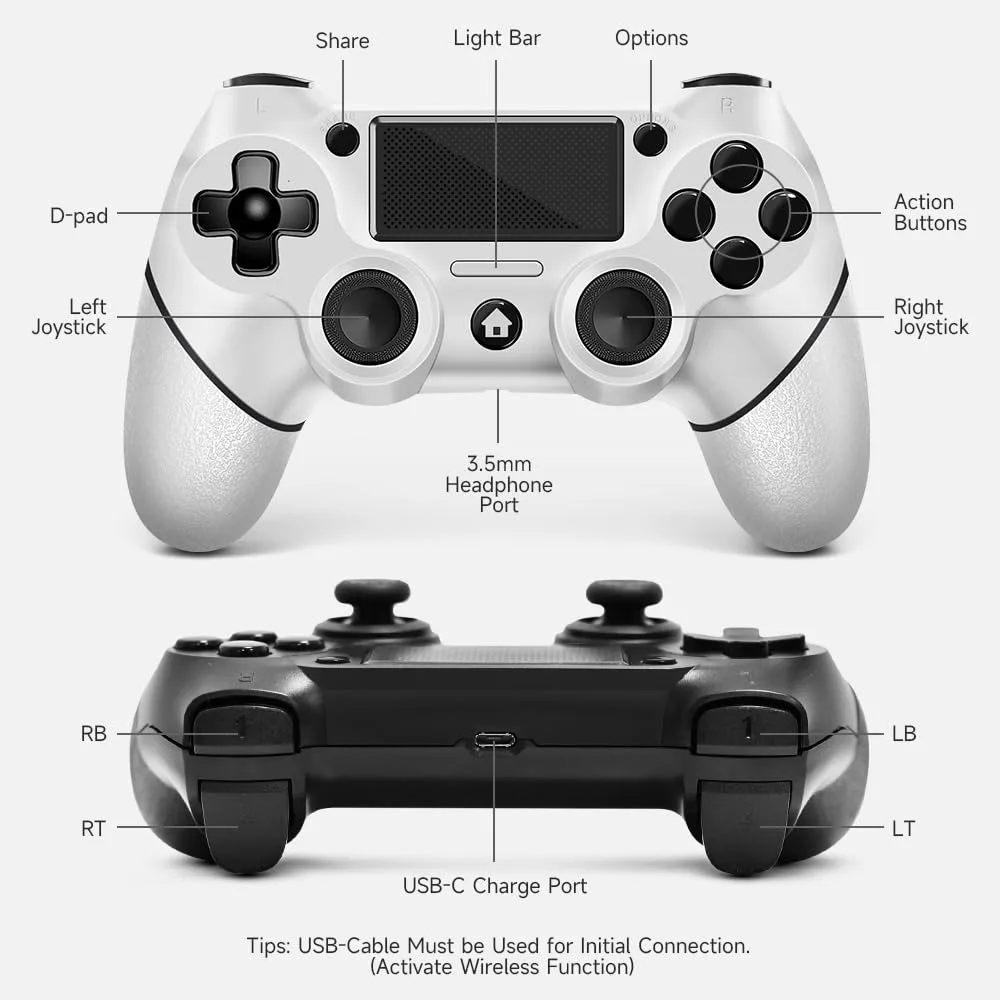
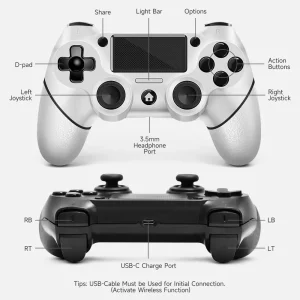
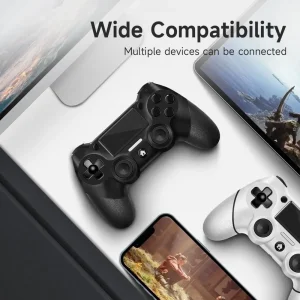
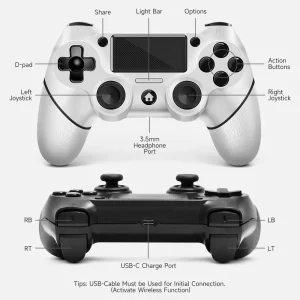
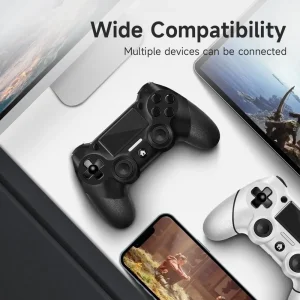
Compatibility: The wireless controller is compatible with PS4/Pro/Slim/Windows PC. For the first connection, use the included USB cable to pair and connect the device. Subsequent connections can be made wirelessly via Bluetooth, with no need for the USB cable. For PC connections without Bluetooth, an additional receiver is required, not included.
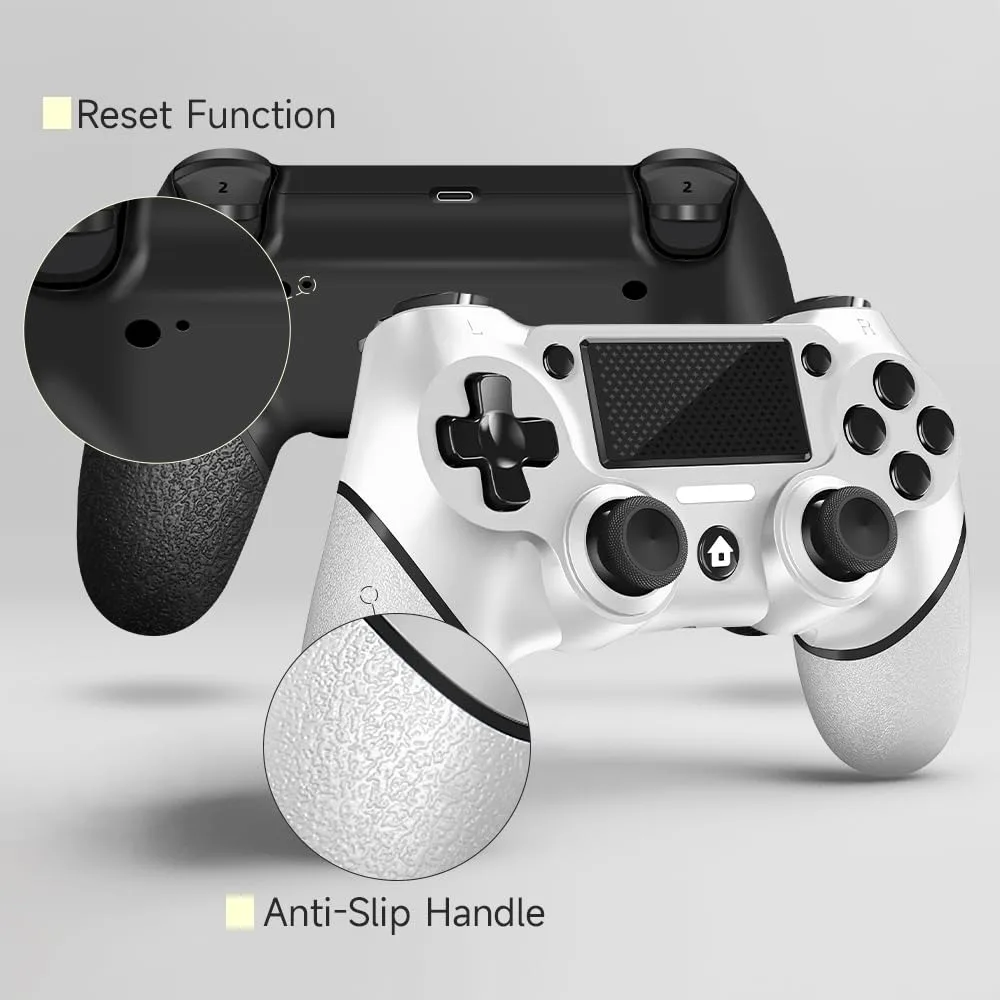
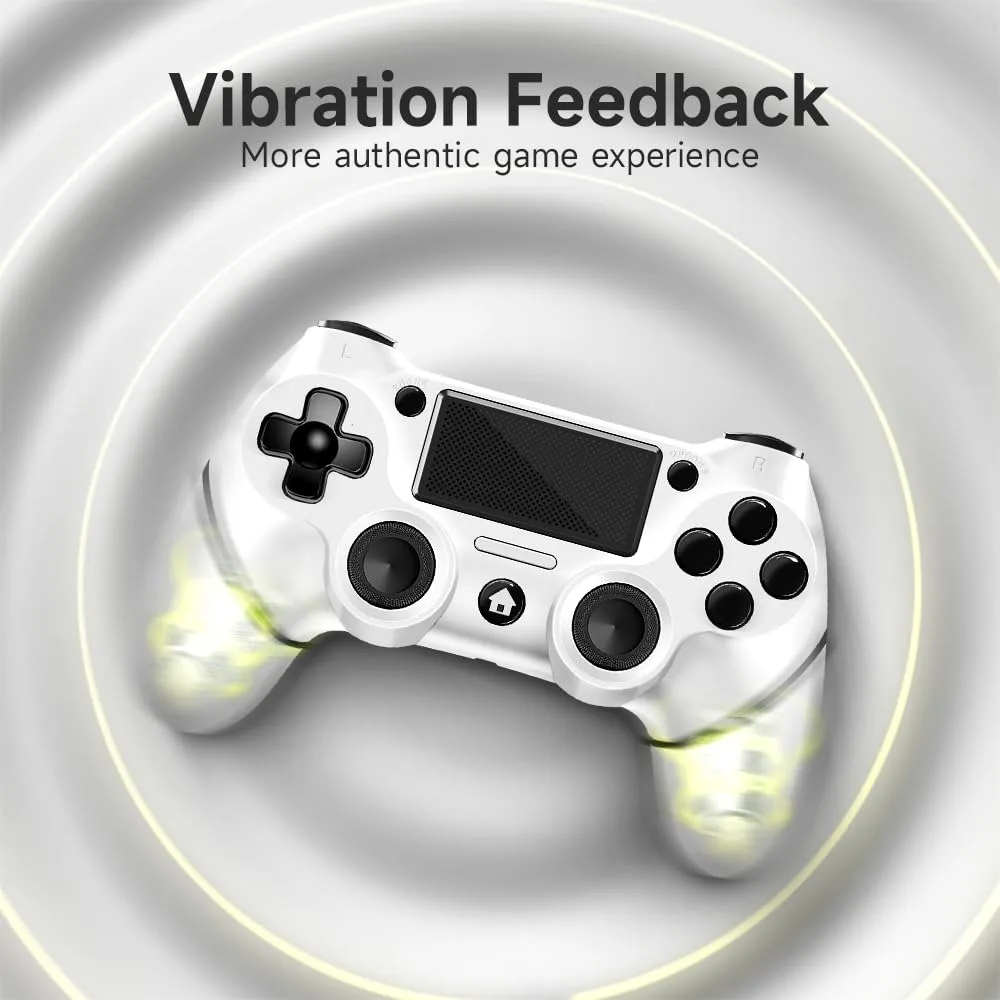
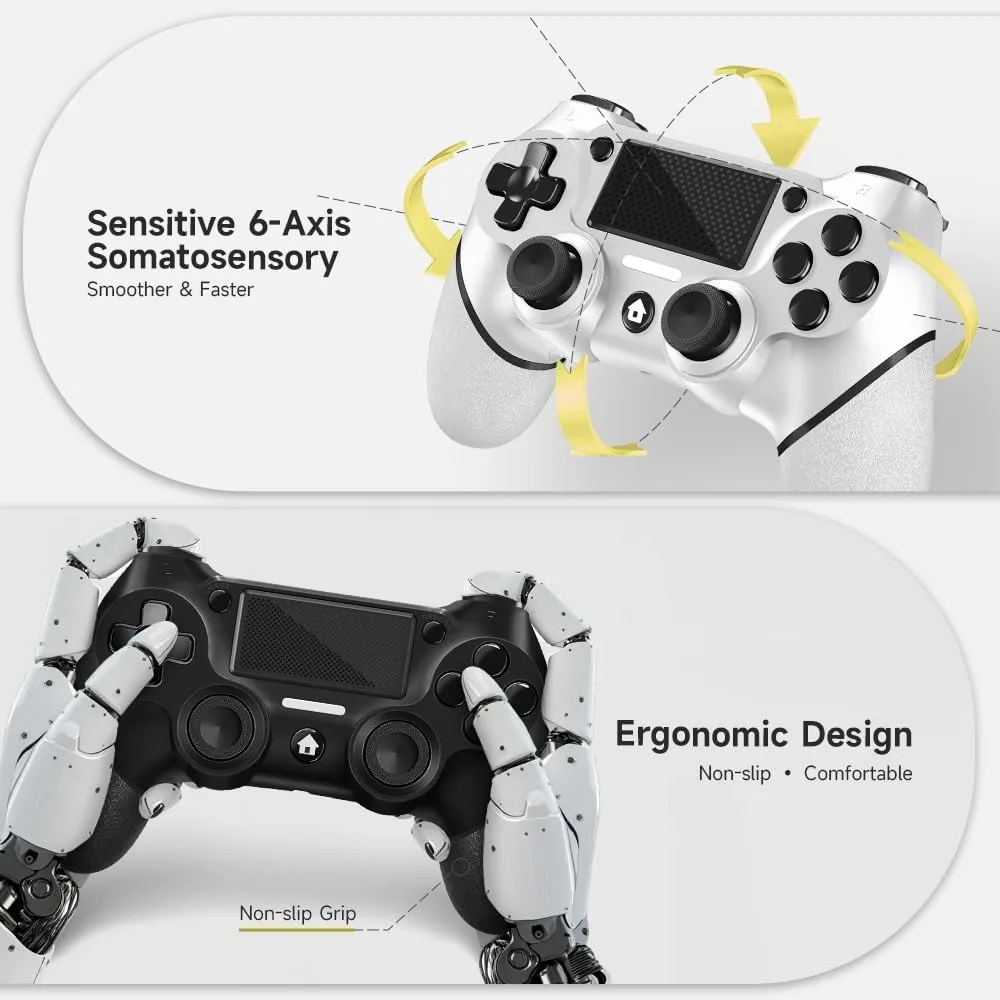
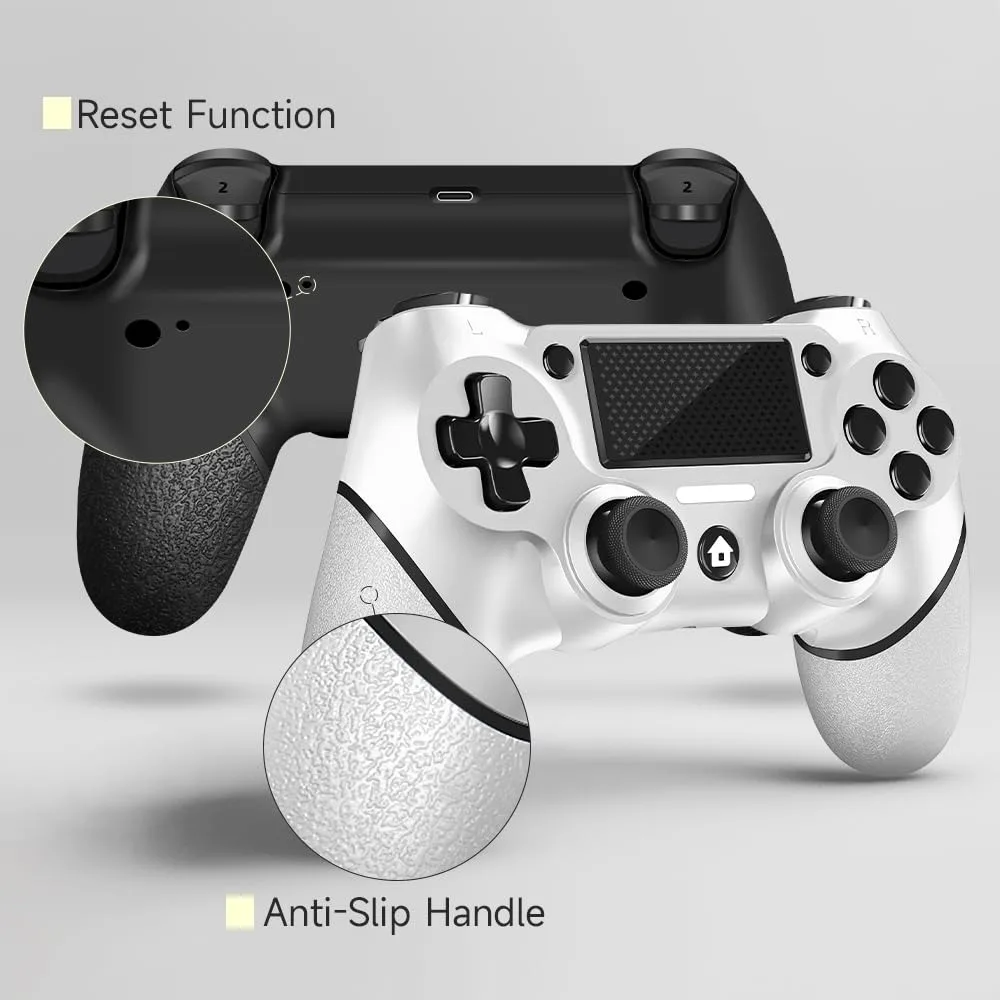
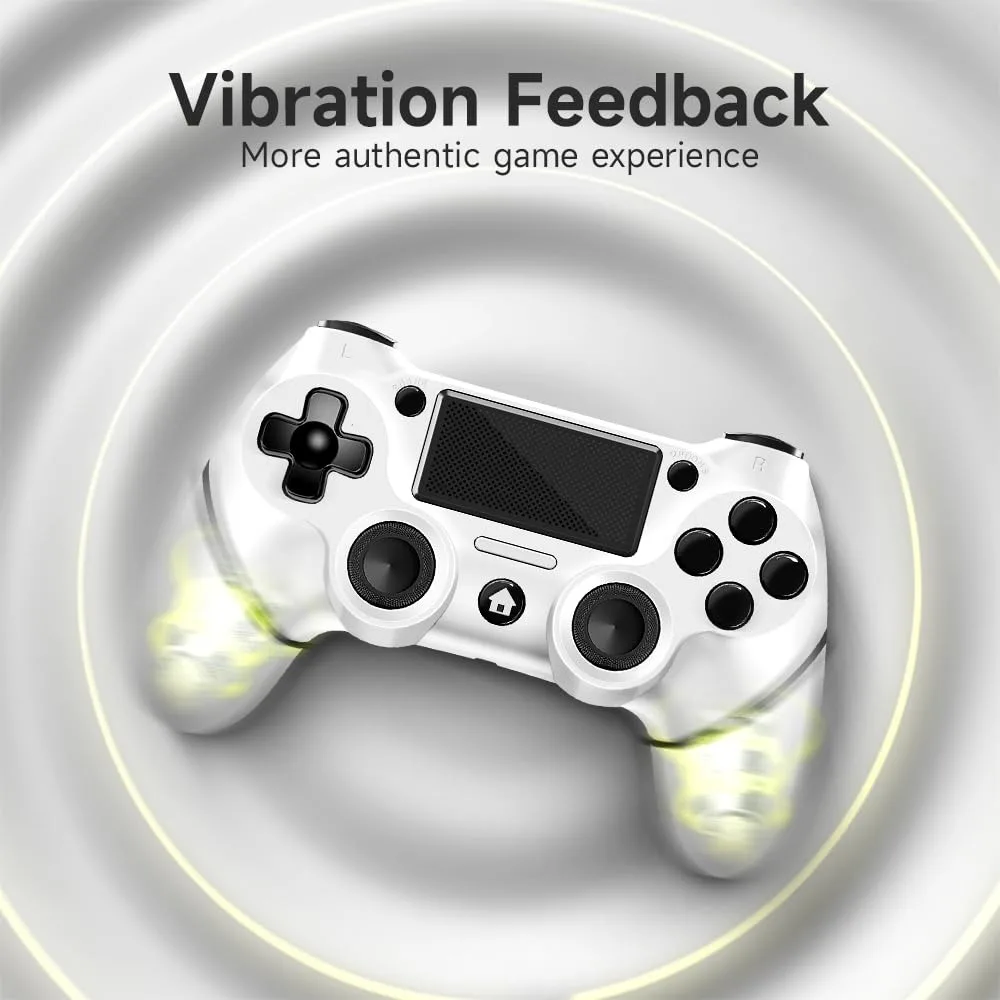
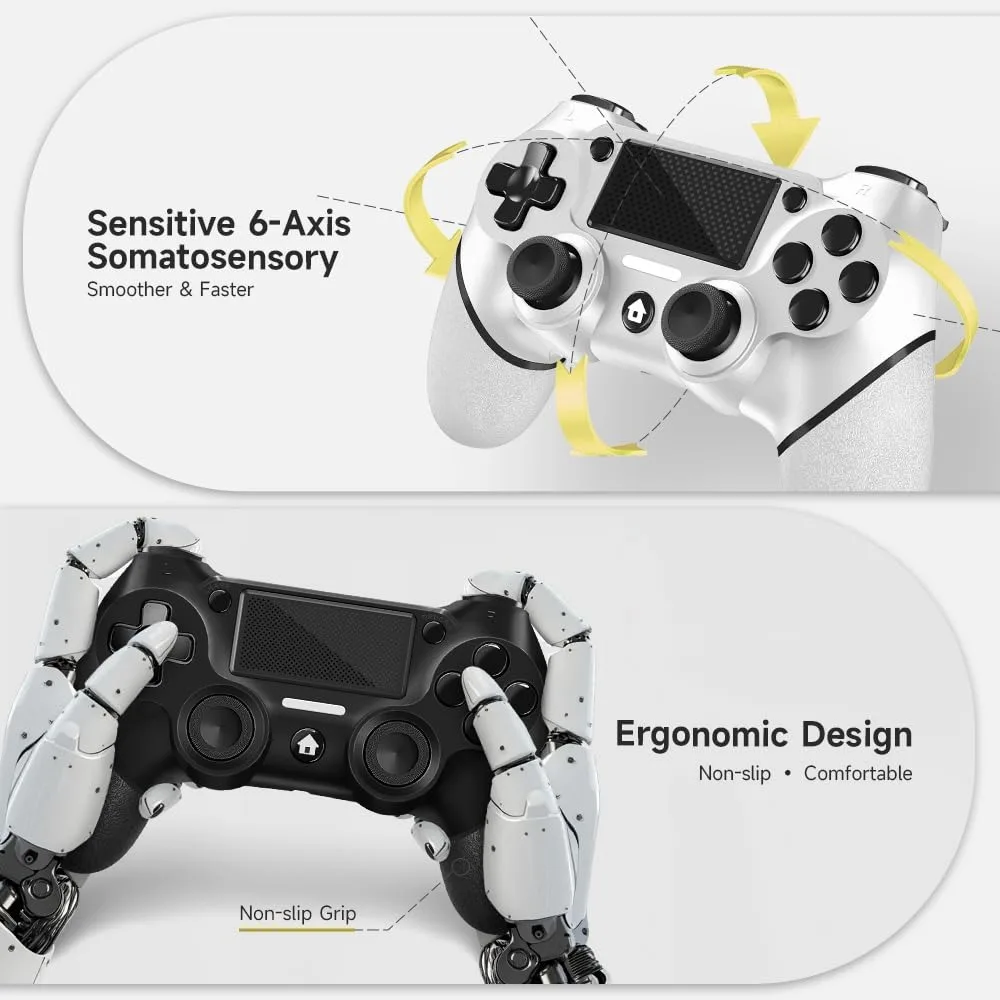
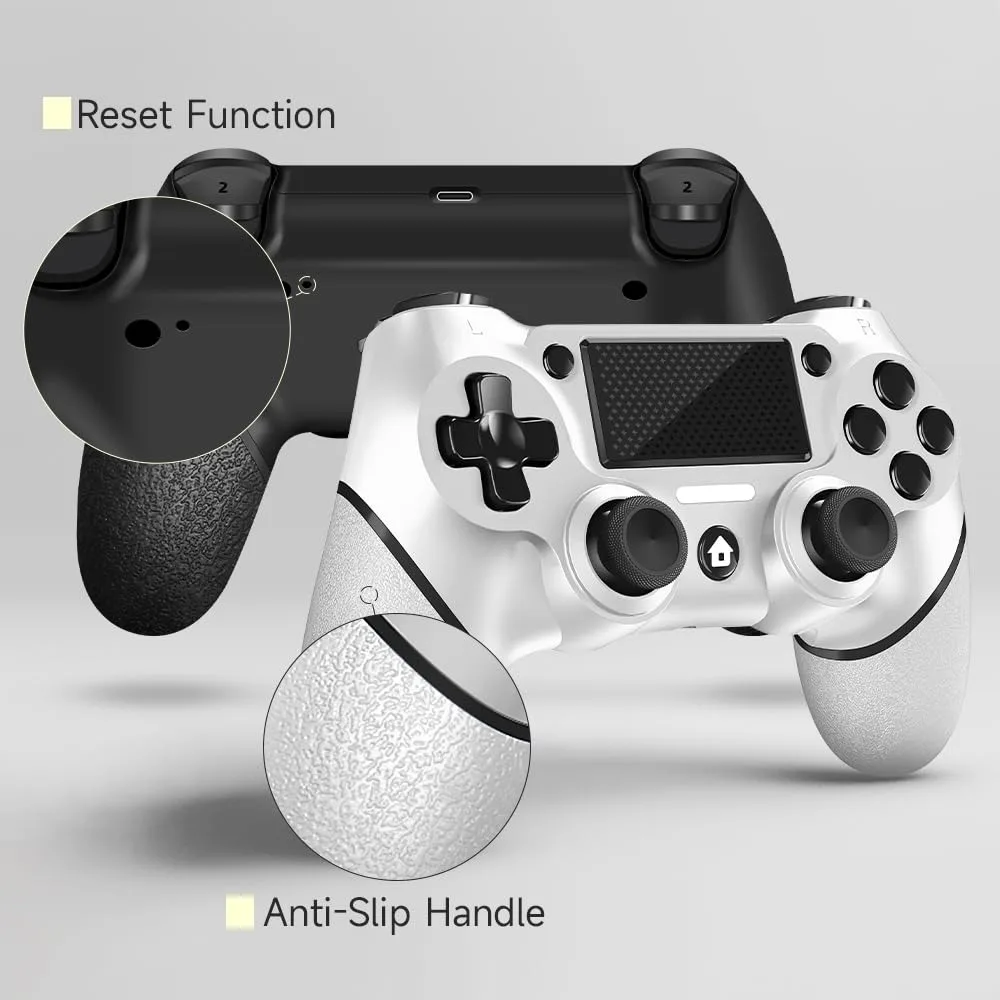
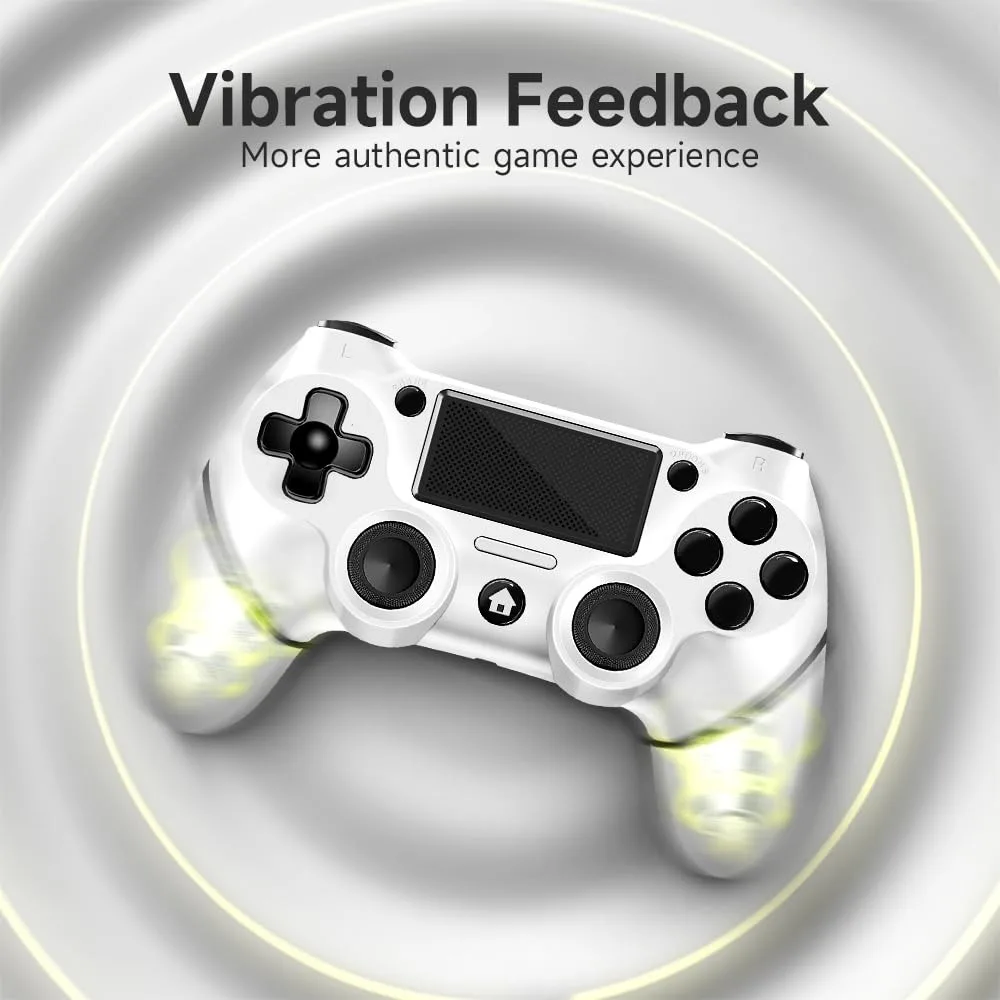
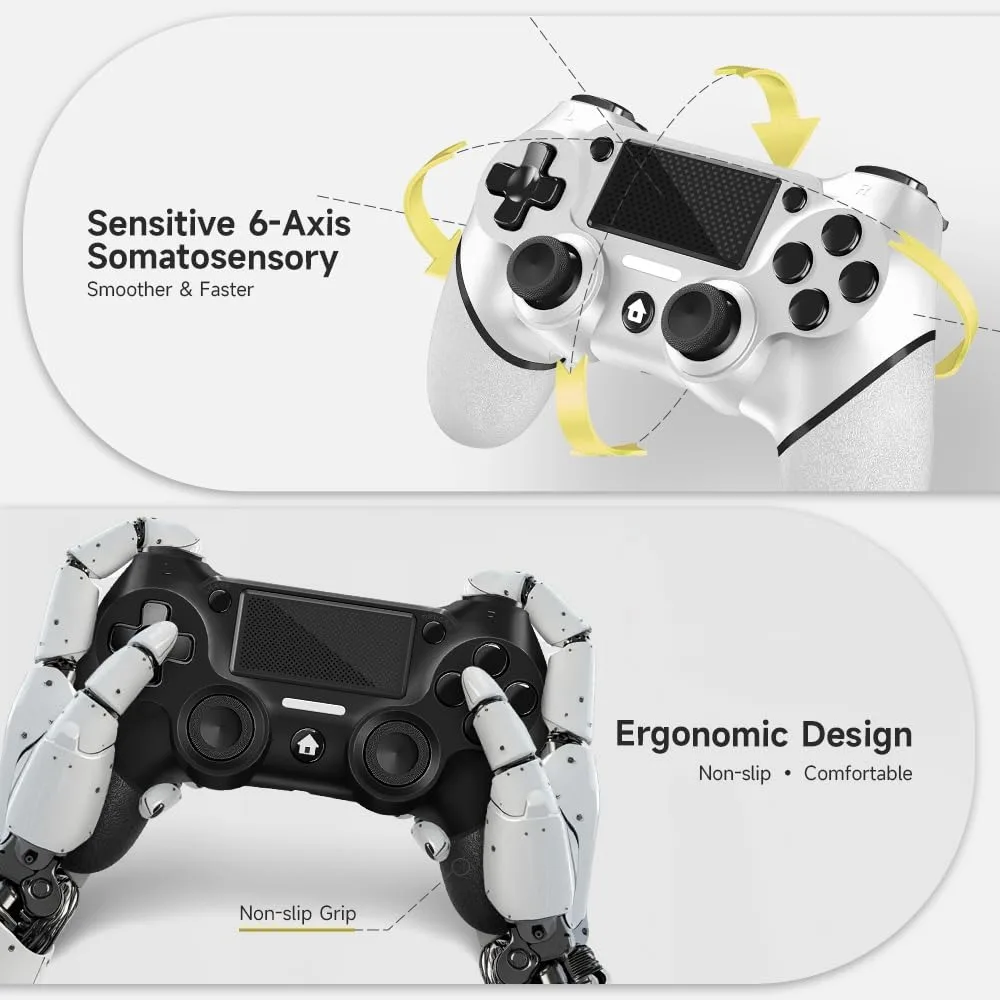
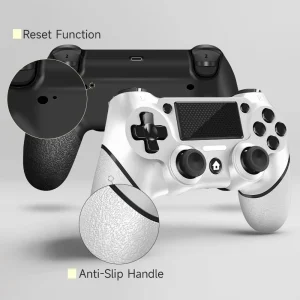
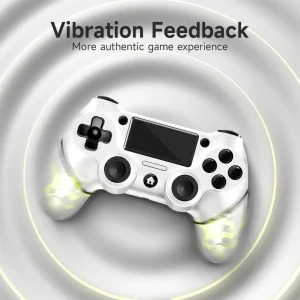
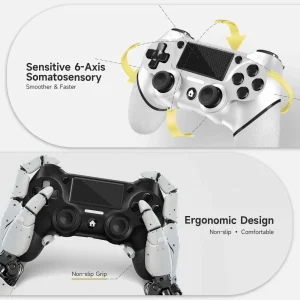
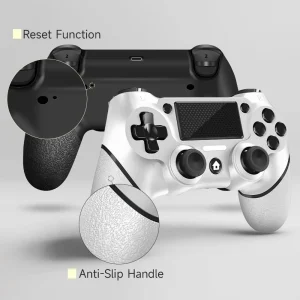
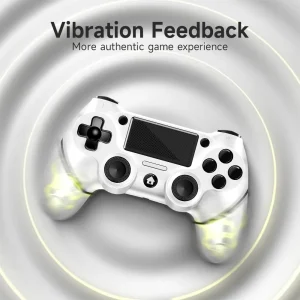
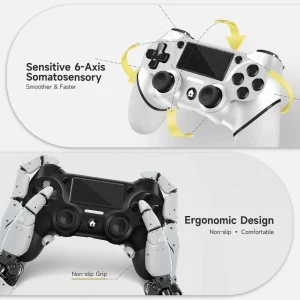
Functionality: The 360° precision analog sticks and the new touch pad provide accurate control. The built-in 6-axis gyro sensor and dual motor vibration offer a heightened tactile response. The well-arranged buttons and triggers, along with the ergonomic, non-slip grips, contribute to an immersive gaming experience.
Customizable Turbo Function: You can designate any button as a turbo button. Press and hold the ‘share’ key, then select the turbo button. You can also adjust the turbo frequency by pressing and holding the ‘share’ key and moving the right joystick up and down to cycle through the available settings.
Package Contents: You will receive two wireless controllers; one charging cable; one user manual. Our focus is on the design, production, and sales of customized controllers.
Connection Guide: 1. For the initial connection, use the provided cable and follow host pairing instructions to enable wireless connection. 2. For wireless connection, press and hold the “HOME” and “SHARE” buttons for 3-5 seconds, then pair with the ‘Wireless Controller’ visible in your Bluetooth device settings.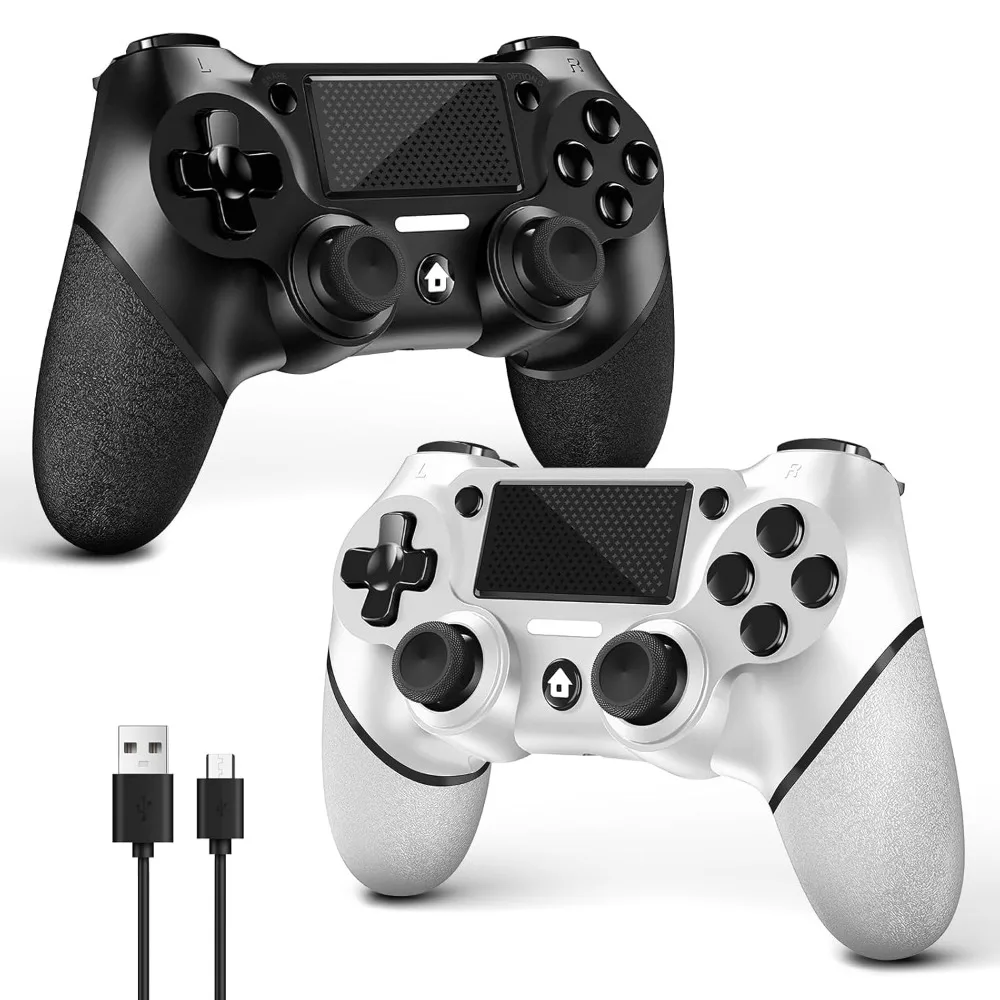
| Ships From | United States |
|---|
Reviews
There are no reviews yet.